
For attendants
Tools for the team on the ground — check-in, manual bookings, and cash handling.
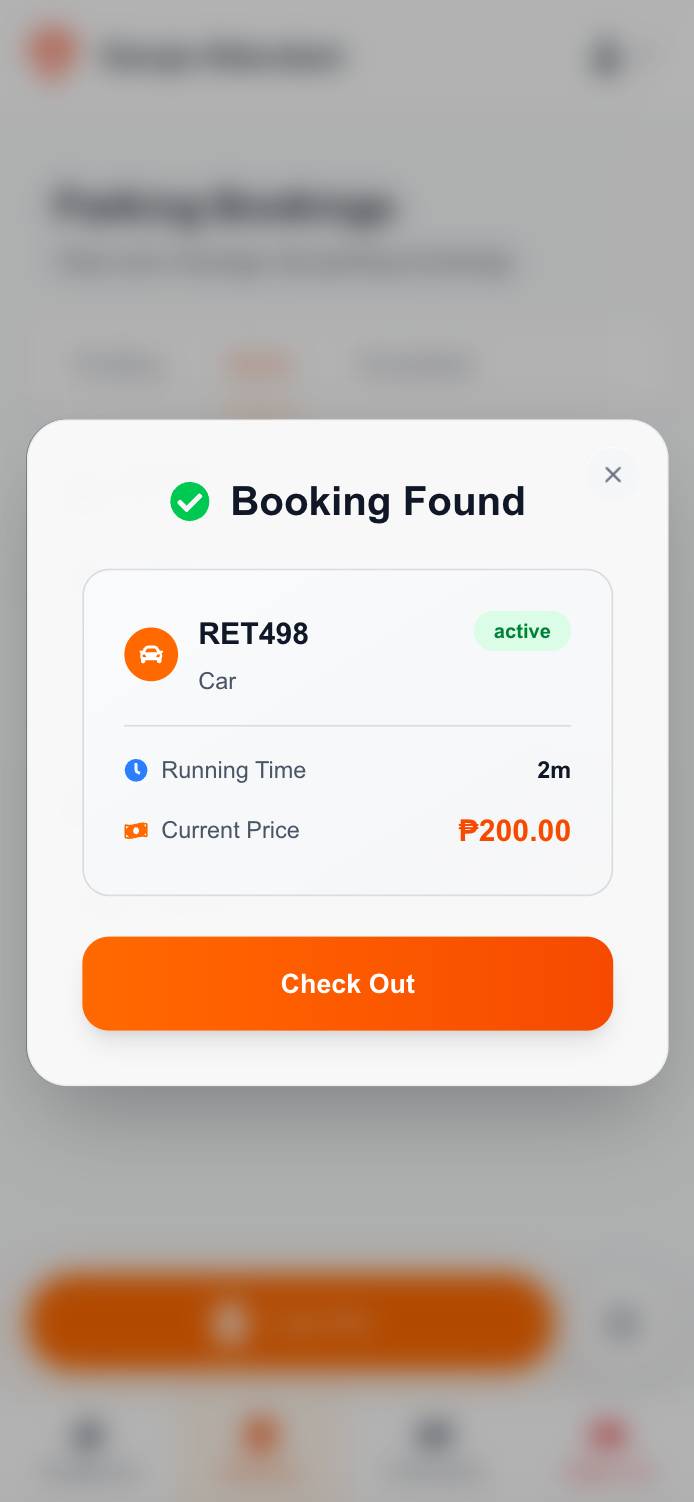
Streamline operations
Check in pending bookings when customers arrive. Check out active bookings when customers leave. Automatic price calculation based on duration and pricing plan. Real-time capacity updates.
Create bookings on the spot
Create bookings for walk-in customers. Enter plate number and vehicle type. Add notes to bookings. Immediate activation of manual bookings.
Secure transactions
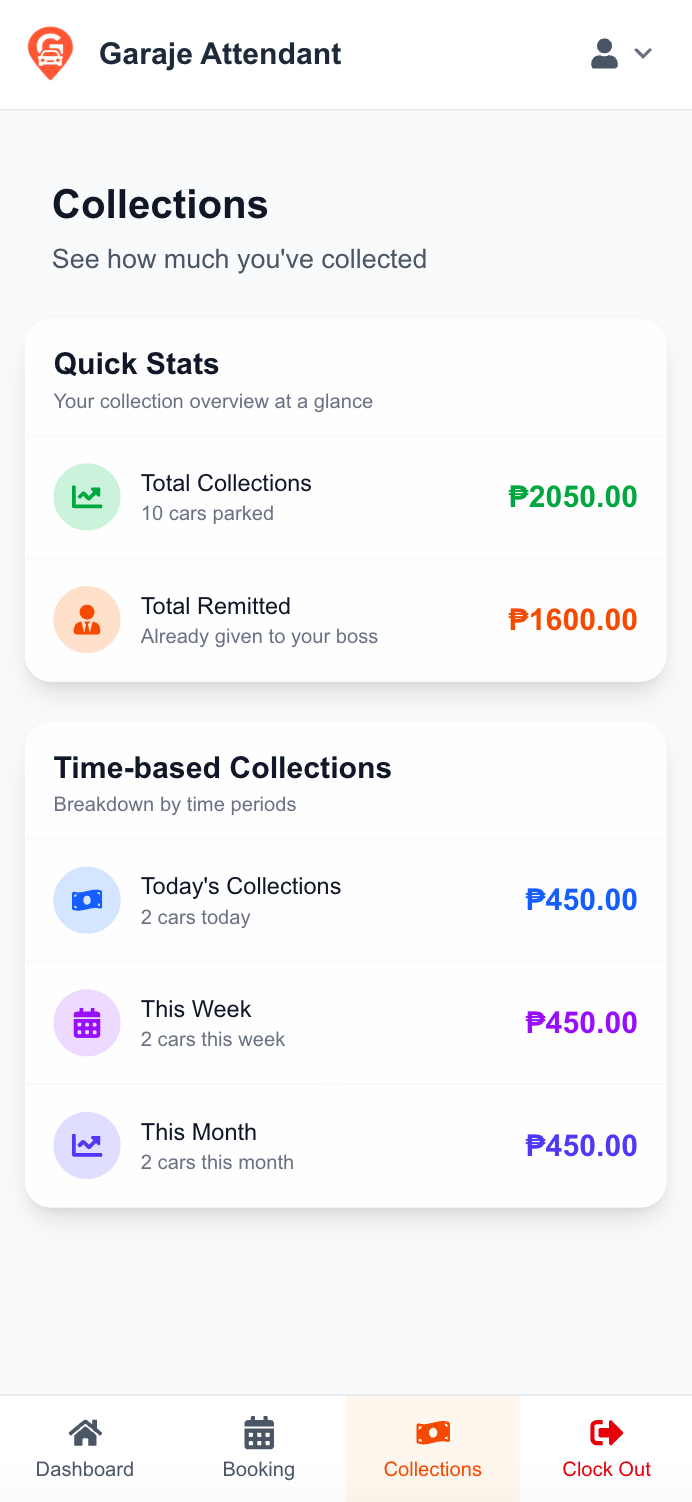
Record cash transactions. Create cash handoff requests to businesses. View cash handoff history. Track collections and payments.
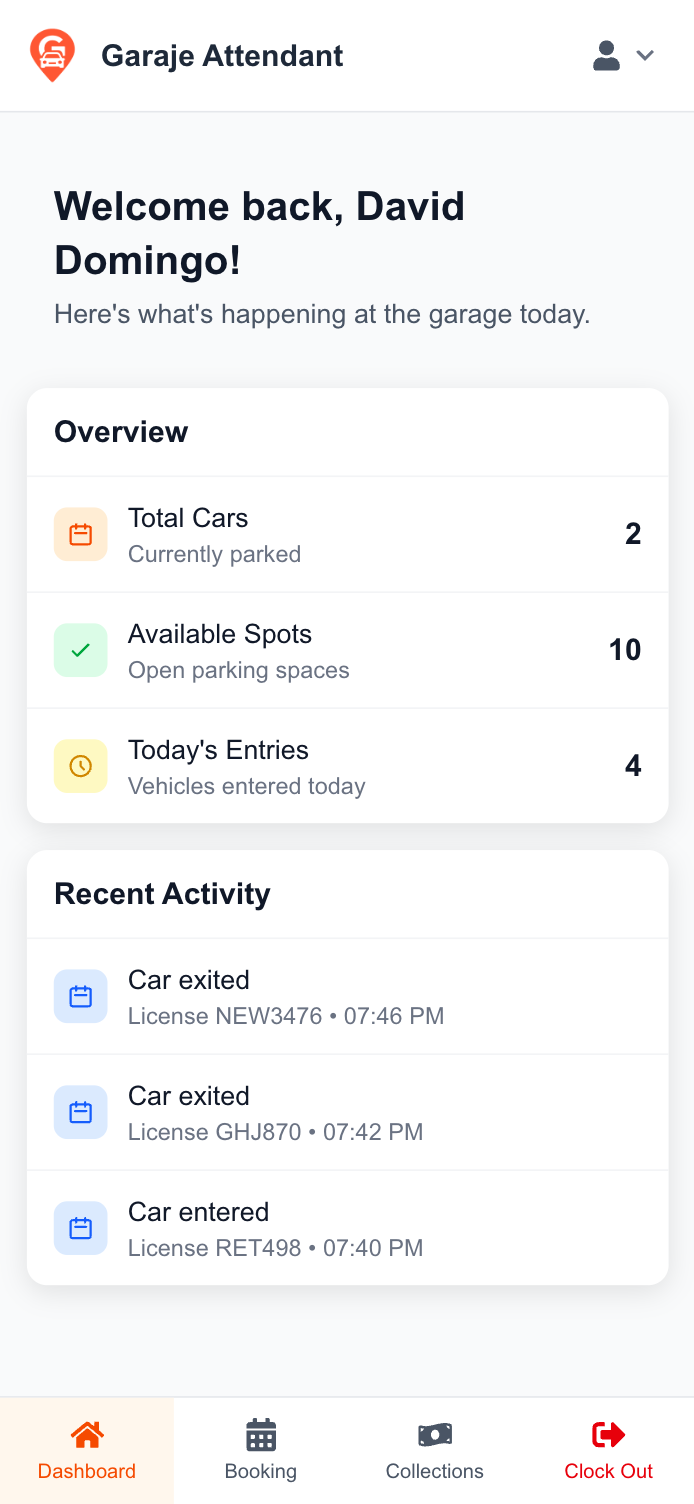
Stay informed
View parking capacity (available/occupied spots). Today's entries count. Recent bookings list. Location-specific data access.
Everything you need to manage parking operations efficiently
Check customers in and out quickly with automatic price calculations. No manual calculations needed.
Access all features from your mobile device. No need for desktop computers or complex setups.
Track cash transactions with automated handoff requests and secure audit trails.
The Attendant App is available for businesses on the Builder, Tycoon, and Apex subscription tiers.
Once a business invites you, access is tied to a specific location so you only see what you need during your shift.
Open your Business Dashboard.
Send an invitation to an attendant's email.
They accept and get assigned to a location—ready to operate.
Request access from your business administrator.
Accept the invitation email to set up your account.
Once assigned to a location, you're ready to check in/out and manage collections.

If you're a business, start inviting attendants today. If you're an attendant, contact your business administrator for access.
Find a trusted shop, a parking spot, a charger, or your next car club. All in one app, all near you.


